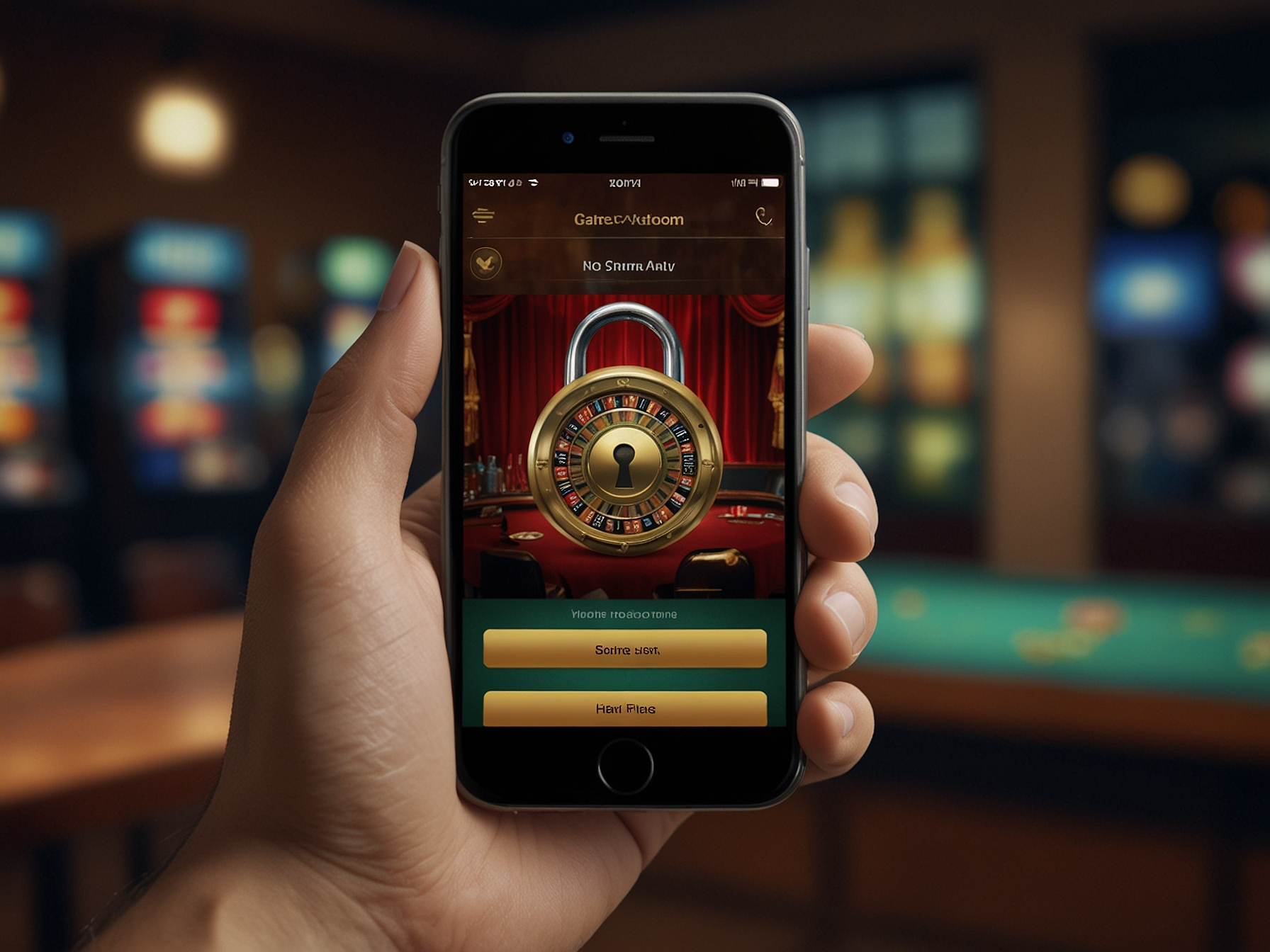
To access your account, click the Login link at the top of the site or open the mobile app and enter your registered email or username together with your password. Ensure you enter credentials exactly as registered, taking care with uppercase letters and special characters. If you use an autofill manager, double-check the filled fields before submitting to confirm accuracy.
If multifactor authentication (MFA) is enabled on your account, you will be prompted to enter the verification code sent to your email or mobile device. MFA adds an extra layer of protection and we strongly encourage all players to enable it. If you do not receive a code, check your spam folder and ensure your contact details are up to date in account settings.
Use a strong, unique password that you do not use for other services. A secure password typically has a mix of uppercase and lowercase letters, numbers and symbols, and should be at least 10 characters long. Avoid obvious choices such as birthdates or common words, and consider using a reputable password manager to keep credentials safe across devices.
Do not share your password with anyone, and beware of phishing attempts that request login details via email or social media messages. We will never ask for your password in support communications; if you receive such a request, report it immediately. If you suspect your account has been compromised, change your password immediately and contact our support team for assistance.
If you cannot log in, first verify your username or email and ensure your password is entered correctly. Use the 'Forgot password' option to reset your credentials via a secure email link. Reset links expire for security reasons, so complete the reset process promptly after requesting it.
If you still experience issues after a password reset, clear your browser cache and cookies, or try signing in from another supported browser or device. For persistent problems involving account verification or suspected unauthorized access, contact our support with the relevant details so we can investigate and assist you securely.
Account recovery may require identity verification to protect both your funds and personal data. We may request a government-issued ID, proof of address or other supporting documents for verification when you request certain withdrawals or when irregular activity is detected. These steps are designed to maintain a safe platform for all players.
When submitting documents for verification, ensure they are clear, unaltered and match the registered account details. Our verification team processes documents promptly and securely, and we will notify you once verification is complete. Keeping your account information current helps prevent delays when you request withdrawals or need to recover access.
Enable two-factor authentication to add an extra layer of protection.
When playing on shared or public devices, always sign out and avoid saving passwords in the browser. Use private browsing modes where available and do not store sensitive data on devices you do not control. These simple practices significantly reduce the risk of unauthorized access to your account.
Monitor account activity regularly by reviewing recent transactions and login history available in your account area. If you see any unfamiliar transactions or sessions, report them immediately so our security team can take action. Early detection is key to preserving account integrity and protecting funds.
If you need help with login or account recovery, our support team is available 24/7 via the support center and live chat. Provide relevant information such as your registered email, username and a brief description of the issue to help us assist you quickly. Sensitive details like passwords should never be shared.
Support will guide you through verification procedures, advise on security best practices and help restore account access where appropriate. We operate with strict confidentiality and will only request documents through secure upload channels to protect your privacy.
Use the 'Forgot password' link on the login page to request a secure reset link. Follow the instructions in your registered email to reset your password.
Go to Account Settings > Security and follow the steps to enable MFA. We support authentication apps and SMS verification where available.
Immediately change your password, enable MFA if not already activated, and contact support with details so we can investigate and secure your account.
Yes. You can sign in from multiple devices, but always practice safe login procedures and log out from devices you do not control.